

DisneyNow
Baymax Chatbot
The Baymax Chatbot project was an enhancement feature for the Disney Now App - A cross-platform tool for kids to enjoy the latest Disney TV episodes and play games. The goal was to leverage Disney IP(Baymax - a helpful companion) for testing R&D discovery work for a machine learning initiative.

my role
Interaction Designer
Responsibilities: Discovery, Research, UX Wires, Visual Design, Motion Design
team
1 Interaction Designer, 1 Front-end Developer, 1 R&DEngineer, 1 Product Manager, 1 VP of Design(Stakeholder)
Q1-2018 - Jan-Mar
TOOLS
Sketch, After Effects, Zeplin
PLATFORM
iOS
01
What if Baymax could be a real companion?
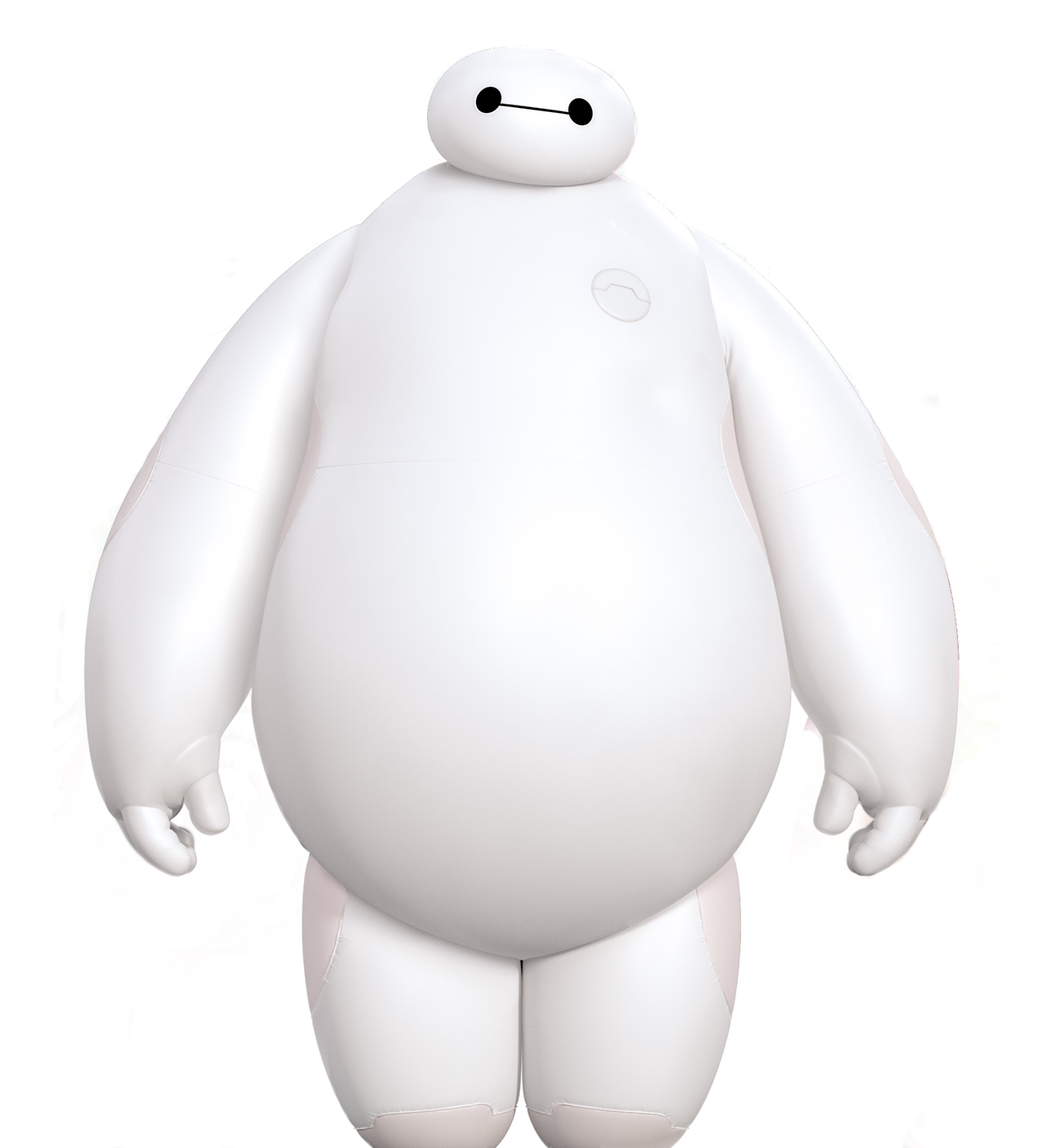
Background: Because of my enthusiasm to work on different types of projects, the VP of Design tasked me with creating a prototype concept for a Disney R&D AI initiative. What if we could capitalize on Disney IP and test the concept out on one of our platforms for children - DisneyNOW? After some initial set up conversations with cross-functional teams, we settled on Baymax as the perfect character to be a friendly companion and useful chatbot tool.
Challenge:
How can we serve up promotional content to users in a personalized and more interactive way?
Short-Term Goals:
Provide more avenues for a younger audience to search for relevant content efficiently.
Interactive, fun and more gamified experience for attention grabbing
Business incentive to have users stay in the platform and gather qualitative insights for what content to serve up via AI machine learning
Long-Term Goals:
Content promotion by building a conversational agent
02
Conversational Flow
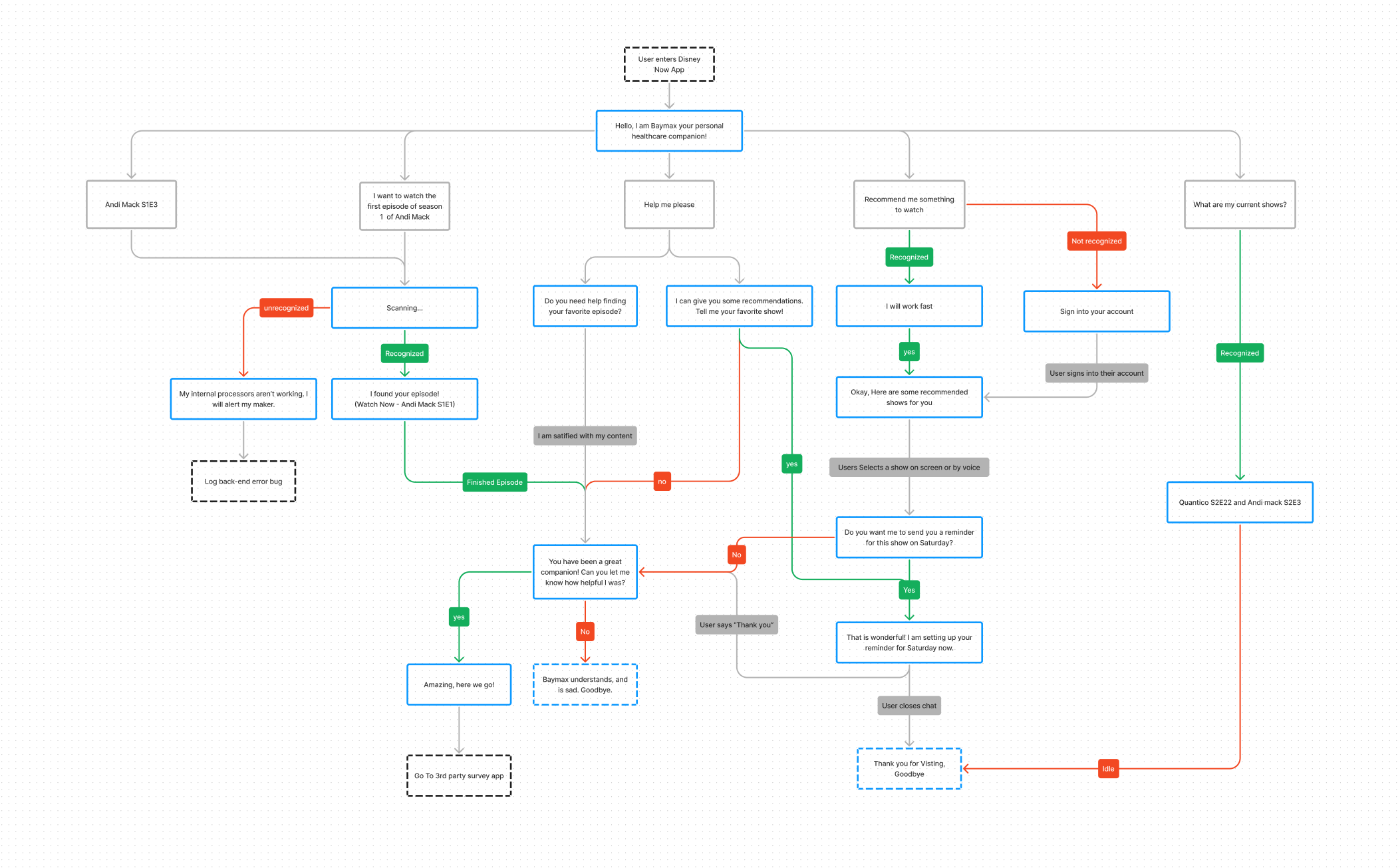
One of the first exercises I started out with was empathizing with the user. The average user age on our app ranged from 5-10 years old or the other user type would be their parents putting content on for their little one. Understanding that we must have a simple way to communicate, I studied the character of Baymax (watching the movie and listening through audio clips) in order to combine his friendly tone with simple text
One exercise I created was an artifact that we could refer to. I created a conversational flow and synthesized how different key words could help trigger the stored content, using different types of phrasing based on the parameters of the project.
03
Iterations
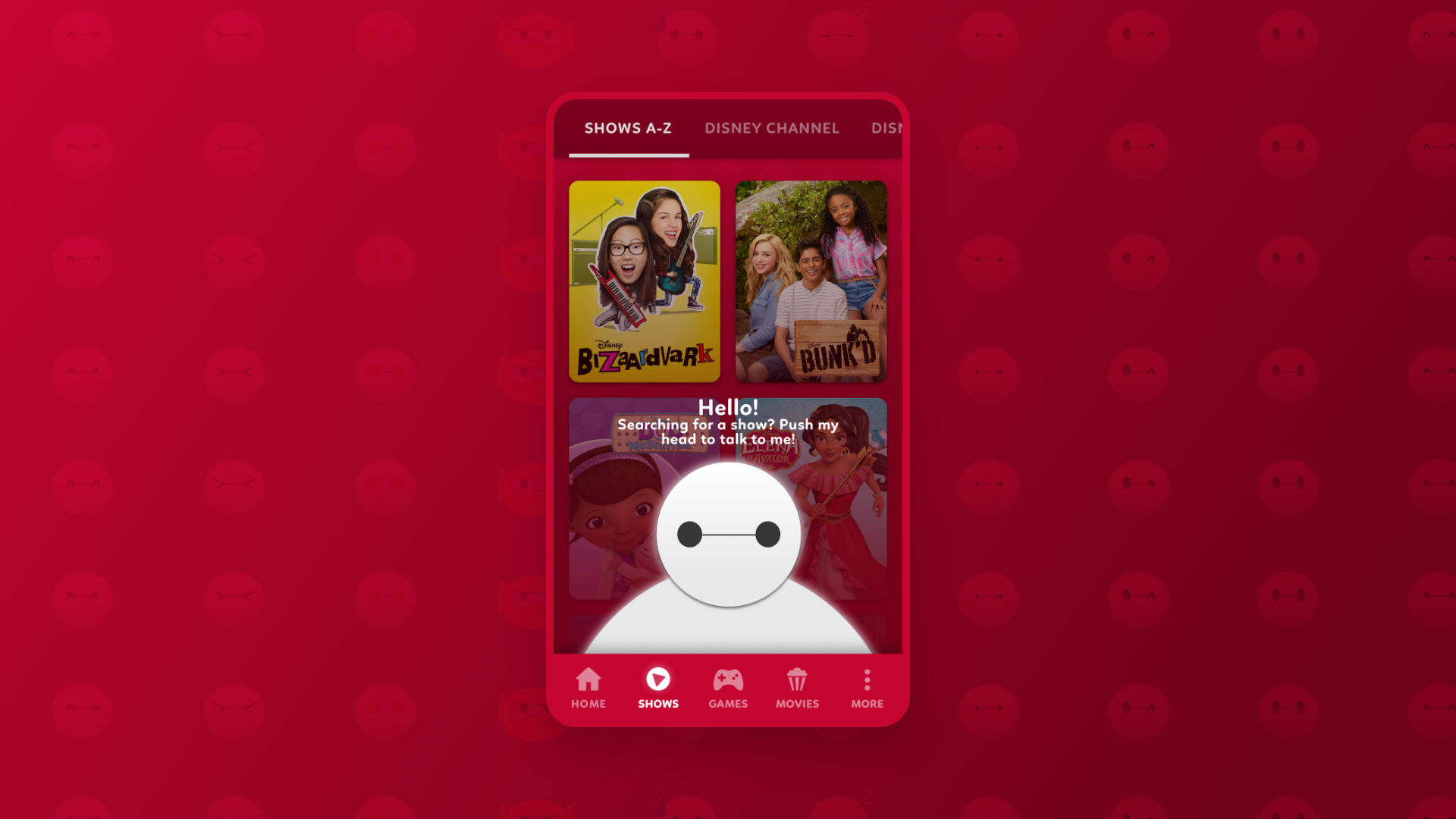
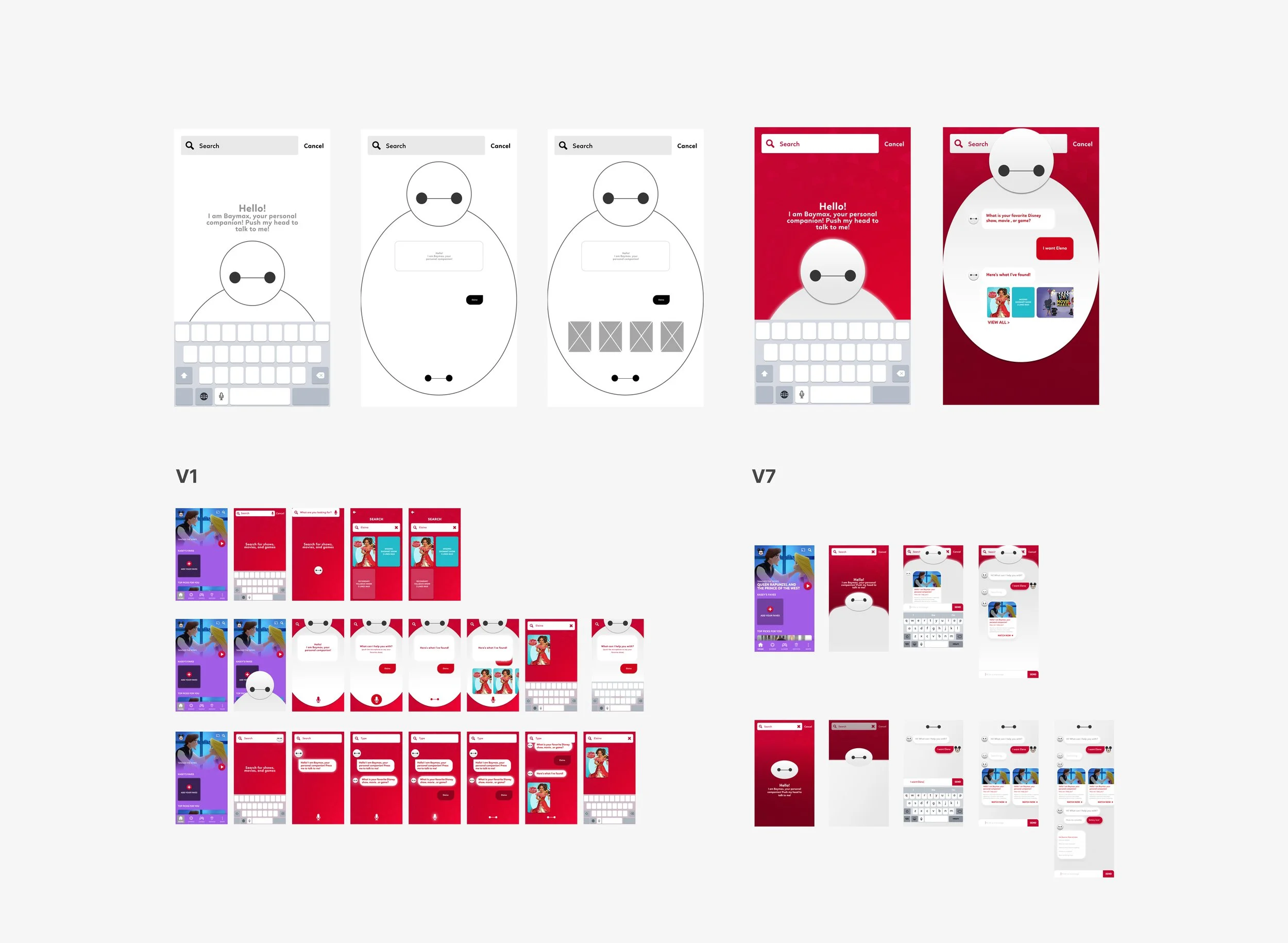
The main entry points for the chatbot were based on the higher traffic areas for search: Search Home, Shows Detail Page, and where the search bar was tappable.
I started off with some sketches and initial wires, and then started creating multiple visual iterations to help showcase the blue sky concept approach for Baymax’s character.
Our team has weekly check-ins to go over feasibility and technology constraints, so my designs morphed from an ideal state into a more reasonable MVP. Initially we had both voice and typing triggers, but we ended up cutting it to just the typing triggers because of technical constraints and high user error. The success rate of kids being able to formulate sentences well enough with their voices for a request was pretty low.
04
Design States
After presenting multiple iterations in front of the design team and Research & Development team, we were able to focus on one version for a development prototype. Throughout the process, I was working directly with the front-end developer and having conversations about content specs, while the design of the overarching chatbot behavior was under review.
Below is the developed prototype for multiple conversational states based on different content request patterns. This allows the user to get the same results with different wording. This would happen by data being stored from the users account and behavior on the app to help with suggesting the content relevant to them.
User Actions:
User initiates DisneyNow App
User goes to search area
Baymax Chatbot pops up
User requests “Please help me”
Baymax provides 1st results
User Actions:
User exclaims they are satisfied with their content
User asks bot to pinpoint a specific episode
User Actions:
User asks Baymax to recommend them shows
User swipes through recommended content carousel
User asks Baymax specifically for comedy shows
Baymax send through a comedy focused carousel
User Actions:
User initiates Baymax from idle state
User reminds Baymax what time of day it is
User says they’re satisfied with their content
Baymax ends the chat
05
Moments of Delight
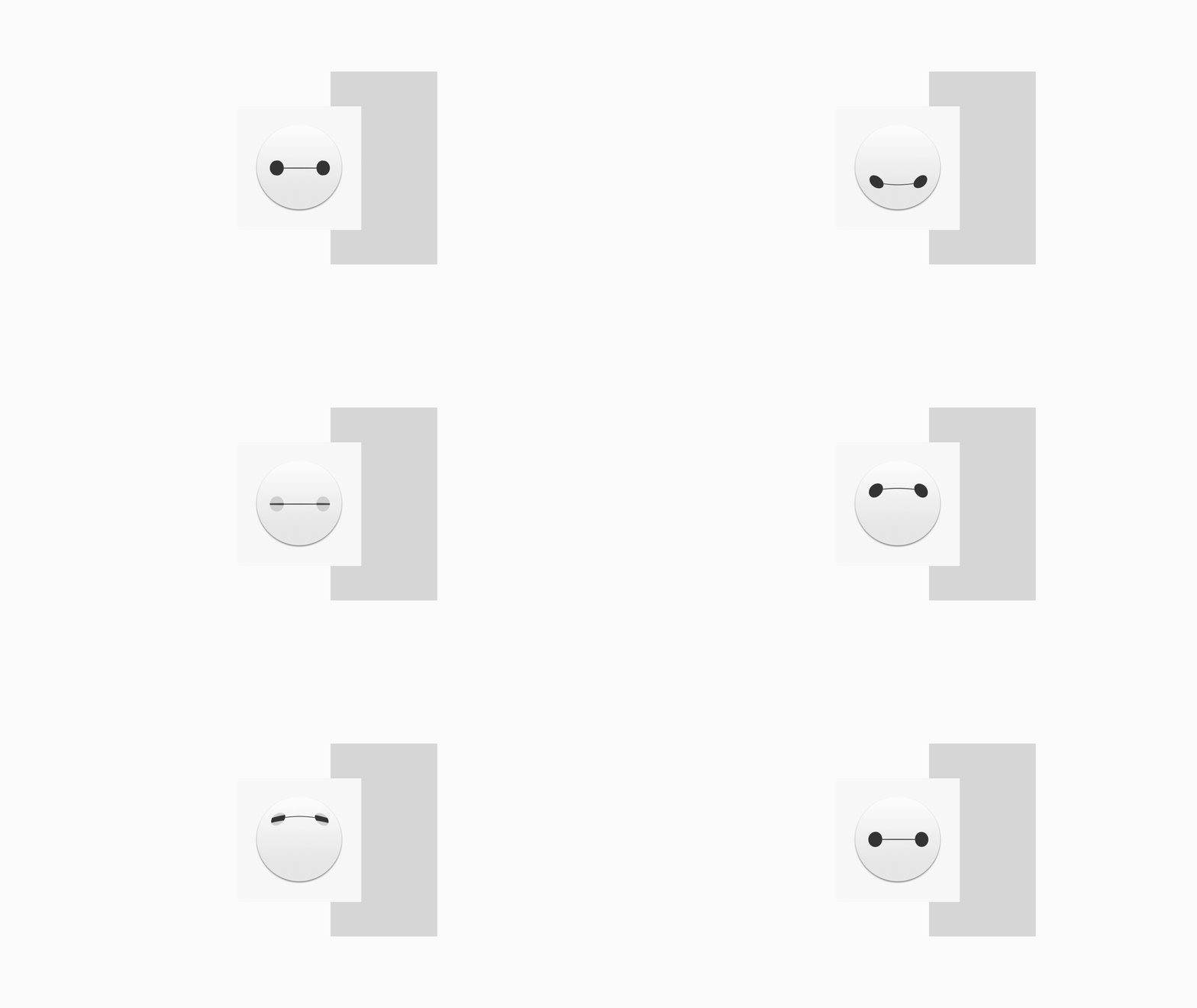
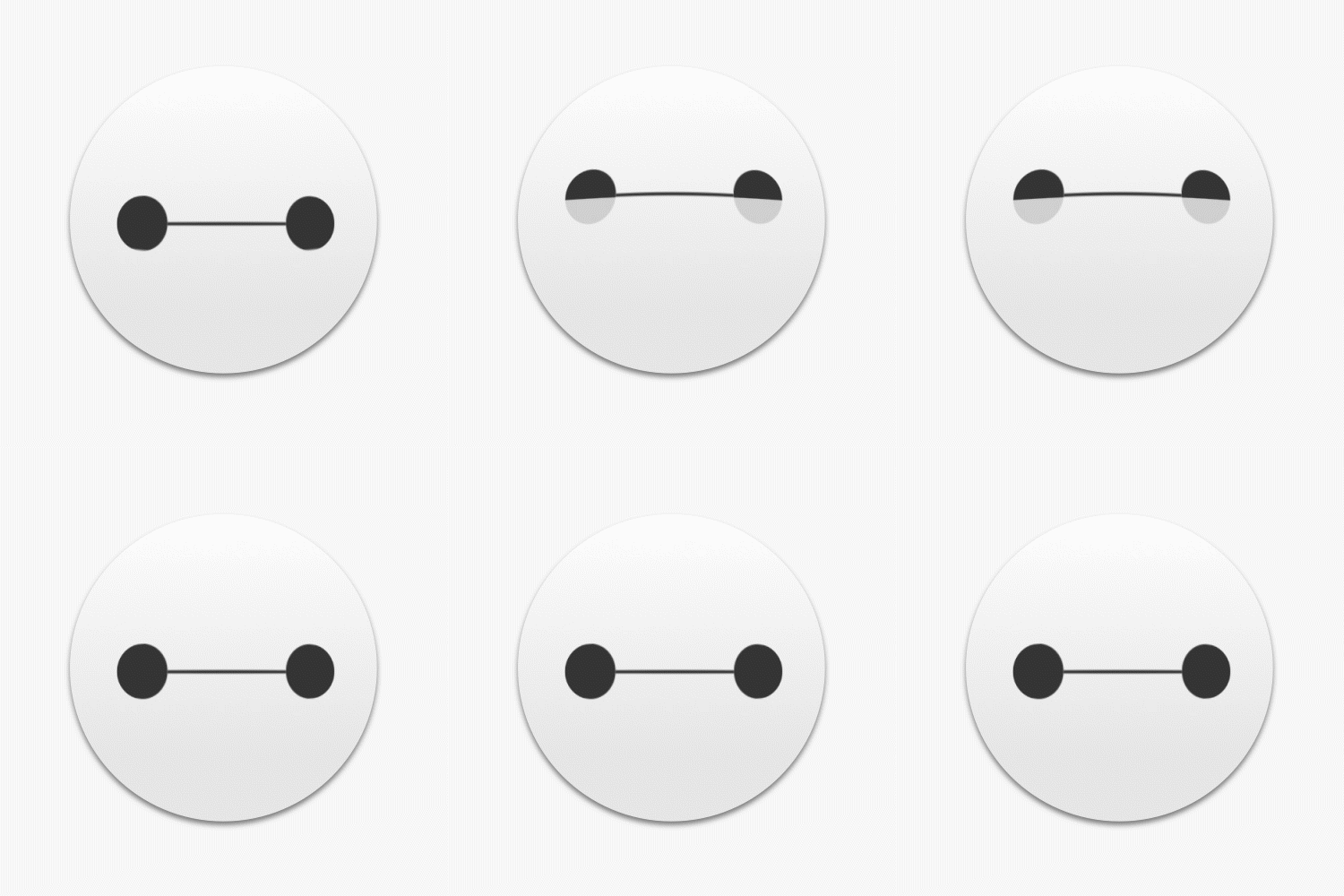
To include the goal of making this experience more interactive for a younger audience, I took the visualization of the feature farther by creating motion studies for Baymax’s facial expressions. This was a concept mockup utilizing emotion to convey the different states of Baymax’s help, and also combining audio clips to provide more story-telling of his character.
Searching State
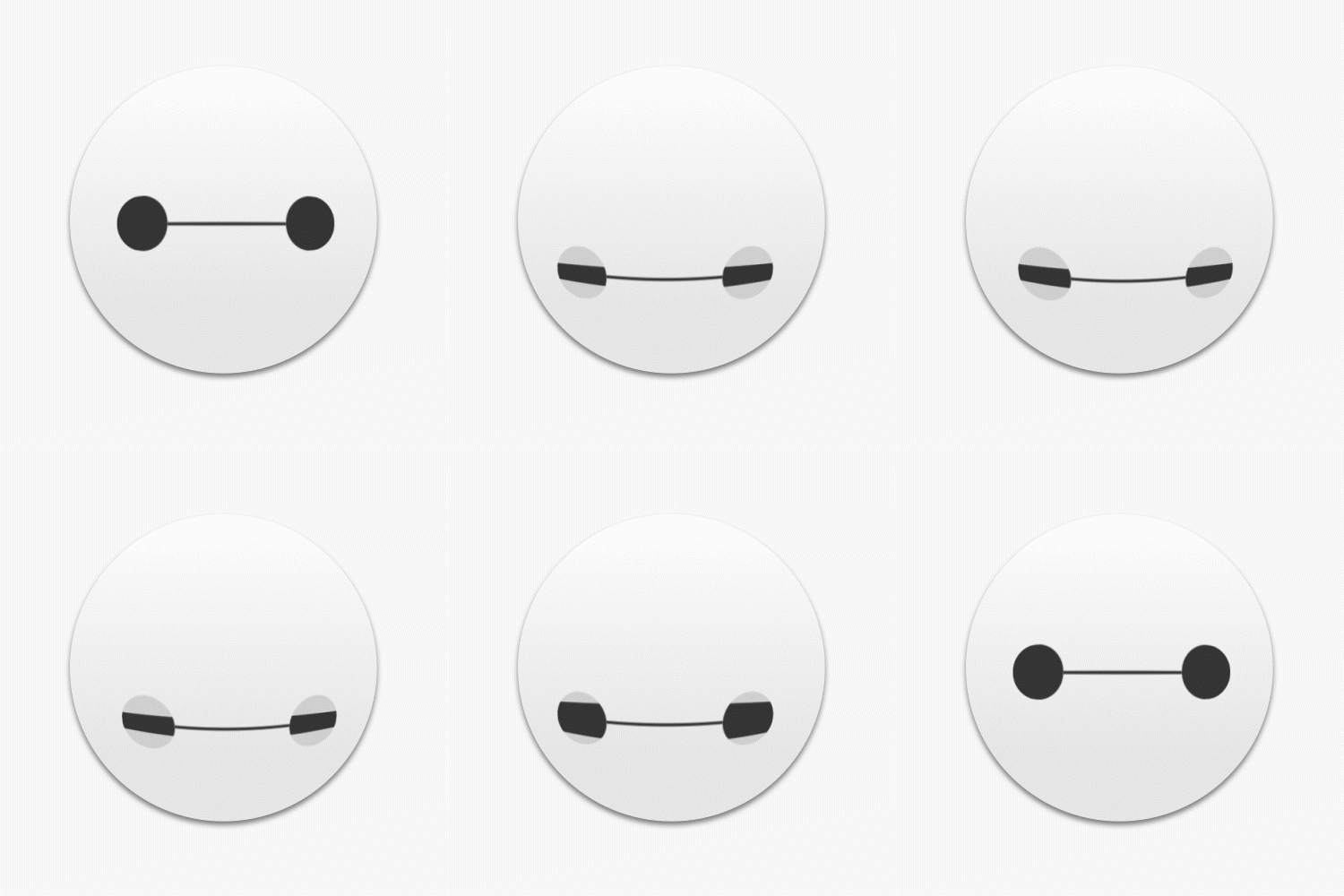
Low Battery
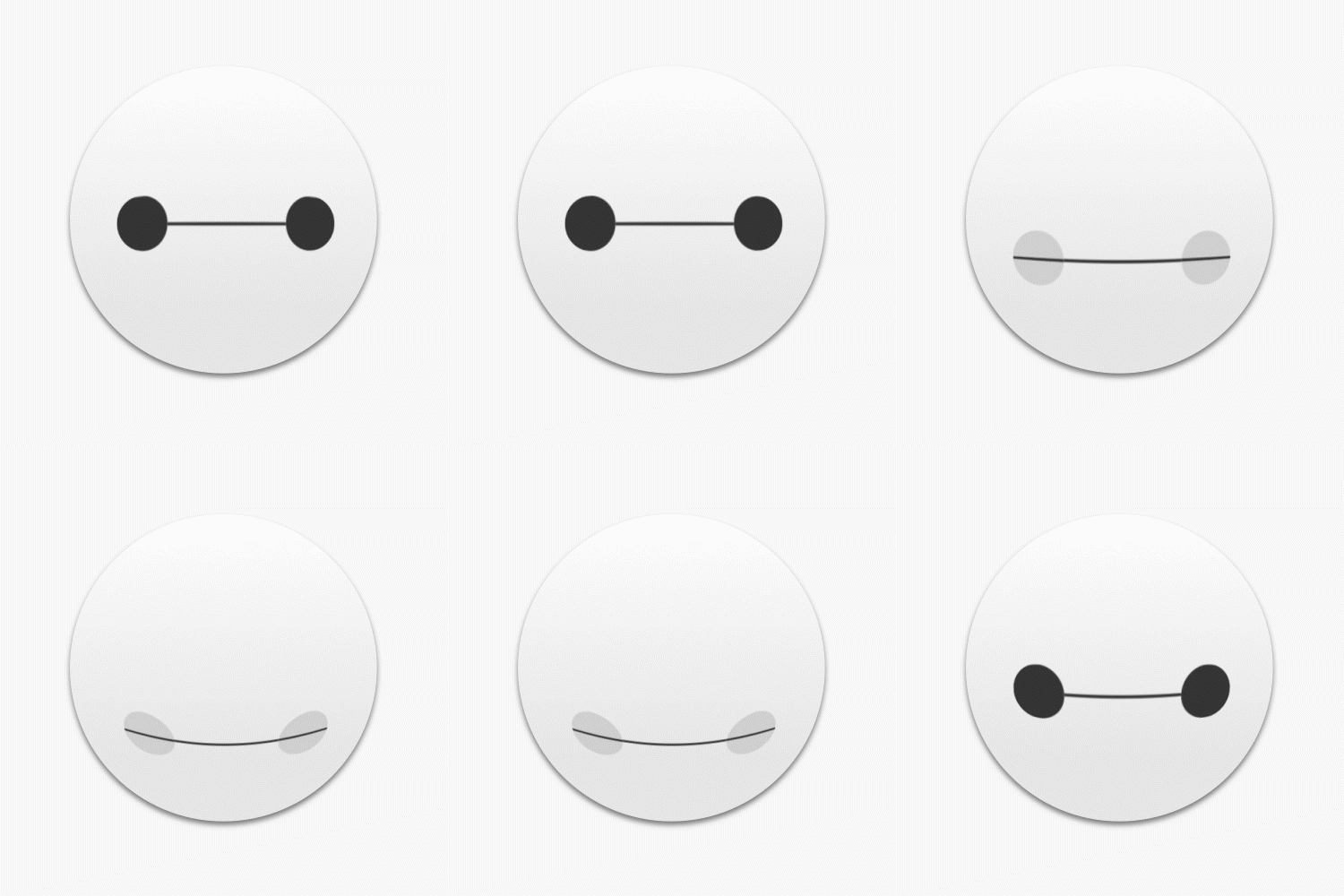
Idle State
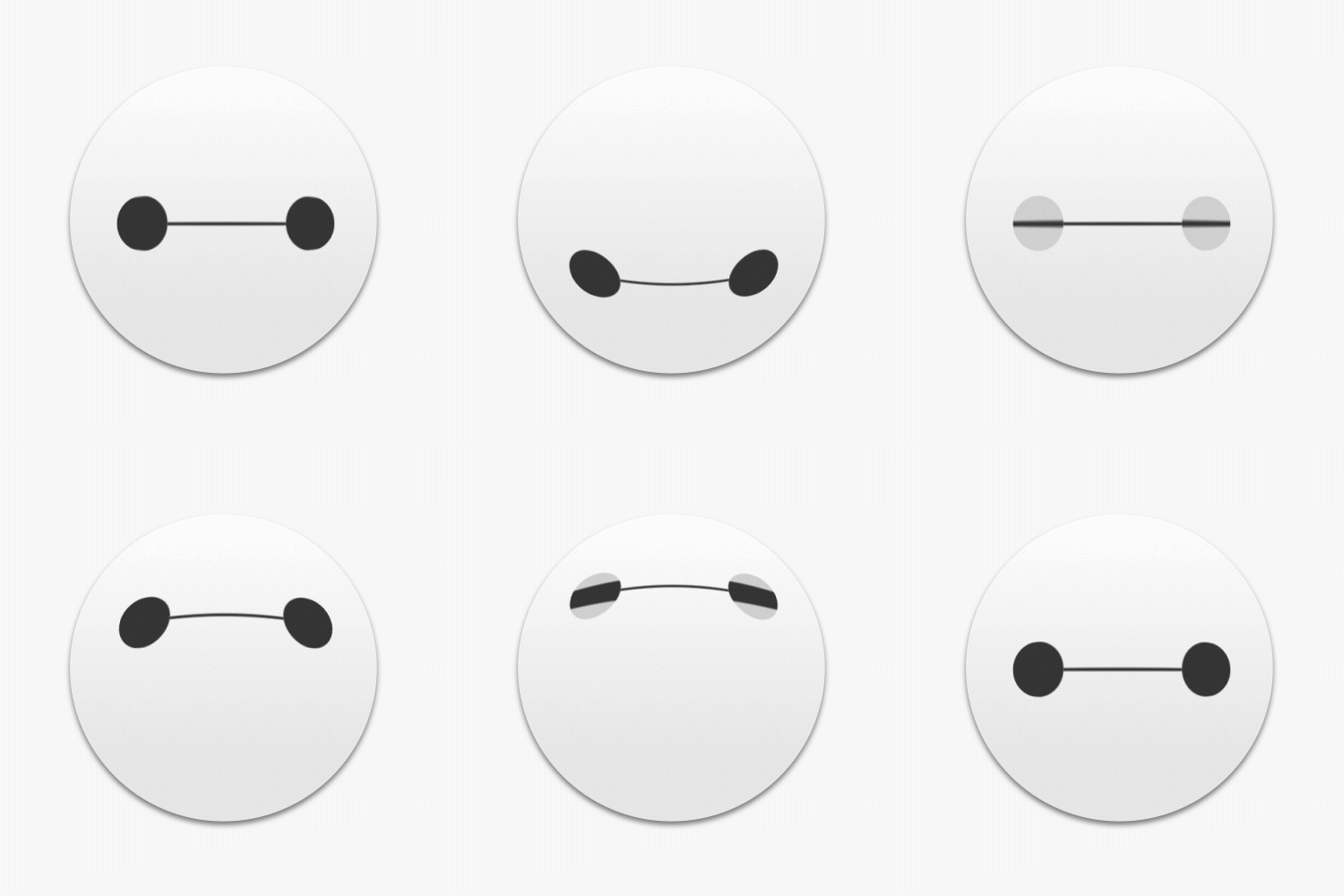
Validation
06
Challenges
The project didn’t have any time constraints and we worked off of the availability of the R&D department, so solutioning took a little bit of time.
Not a lot of dedicated resources
Full scope of capabilities was being learned in the moment, but that was the fun part!
07
Impact
This project has received development award accolades. Currently, the software is under a patent at Disney.